Why hello there~ The name’s Elizabeth (Lizzie), a Graphic Communication Design student who decided “Hey! I wanna Animate. Let’s do the Expanded Animations path in Transmedia! YAY!!!” which led me to being one of the animators of this fine, young group. In this blog I’ll be talking about my process of animating one of our Interviewees imagination. So get your popcorn ready and join me on this adventure, as I tell you my story. *Queue Flashback Montage*
In the process of filming our interviews I started to think about what kind of style I wanted to do for the animation and how I was going to create them. First of all, I looked up different examples of stop motion animations that can be developed either by hand drawn or digital processes. Since we were focusing on the topic of how green ring-necked parakeets came to London, I wanted to involve bright colours of the parrots to emphasise the imagination of the interviewee, looking up different animation techniques that can help me communicate this.
One technique I looked into for inspiration was to create watercolour effects using digital means. Since I wanted to try something new I decided to focus on digital means but I also wanted to see if I could mimic physical, hand-made materials to create an innocence on my imagery and even a playful feeling since I was animating the child’s story. One example I looked at was an animation on YouTube was “Illustrating my inner struggles with watercolor animation -A Short Film- ” by William Anugerah (RadenWA).
In this piece of work I was interested in the way that they created a playfulness with their colours, using the colours to there advantage to visualise there emotions. Though afterwards I decided to go for something more cartoon like, choosing bright bold colours and shading techniques.
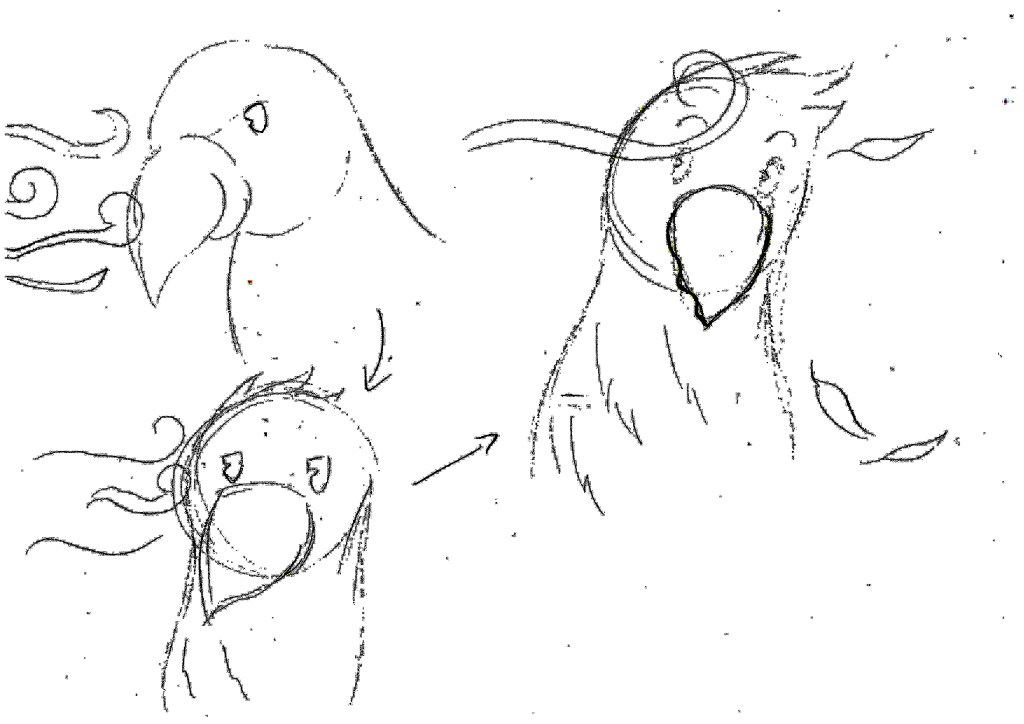
As I was animating the child’s (Robin’s) Imagination I wanted something as equally playful and innocent. I started to draft out designs of my parrot in a cartoon format, creating a main character for her stories. I sketched out my designs on paper, imaging the parrot in his full design even his facial expressions in certain stories mentioned. This was to help me get a better understanding of how I would visualise this and how it fits with the stories.

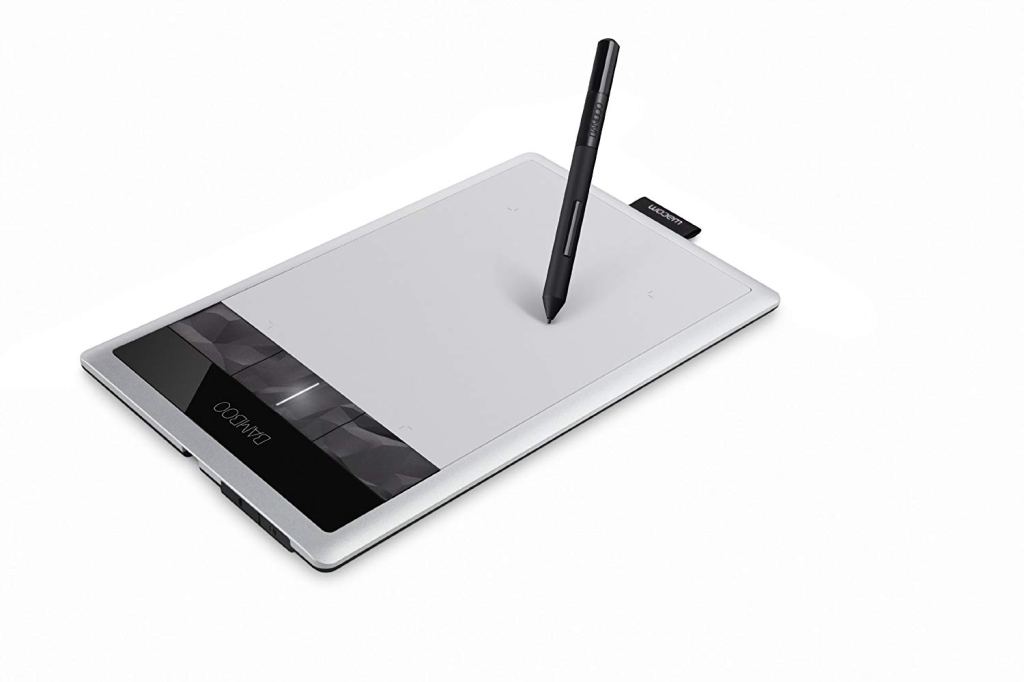
With the style of animation, I chose to draw out all my frames for each animation onto Adobe Photoshop. As Photoshop was my queen (of all the creative software’s I used) I knew it very well. Since my strong point is drawing I created each frame using a Wacom Graphic Tablet to manually draw my images straight onto Photoshop, making it a lot easier for me to delete and colour what I wanted instead of drawing out everything by hand on pen and paper.
In the early stages of starting my digital animation, my first animation took me 10 hours for a 13 second video. Each frame was saved and changed for the next one, having to re-draw my scenes bit by bit to create movement for one scene. Since I was re-drawing my parrot I had to also re-colour every single time the parrot was placed somewhere else on my page. At first it was painstakingly long though after doing it the first time I started to draw them quicker and quicker (Quicker being from 10 hours to 8 to 4 and so on…). After creating every frame for each scene I would take them to a timeline on Photoshop, loading every image as scenes. This gave me an idea of how I wanted to length out my animations, setting certain lengths of time for each frame so that the animations flowed properly.
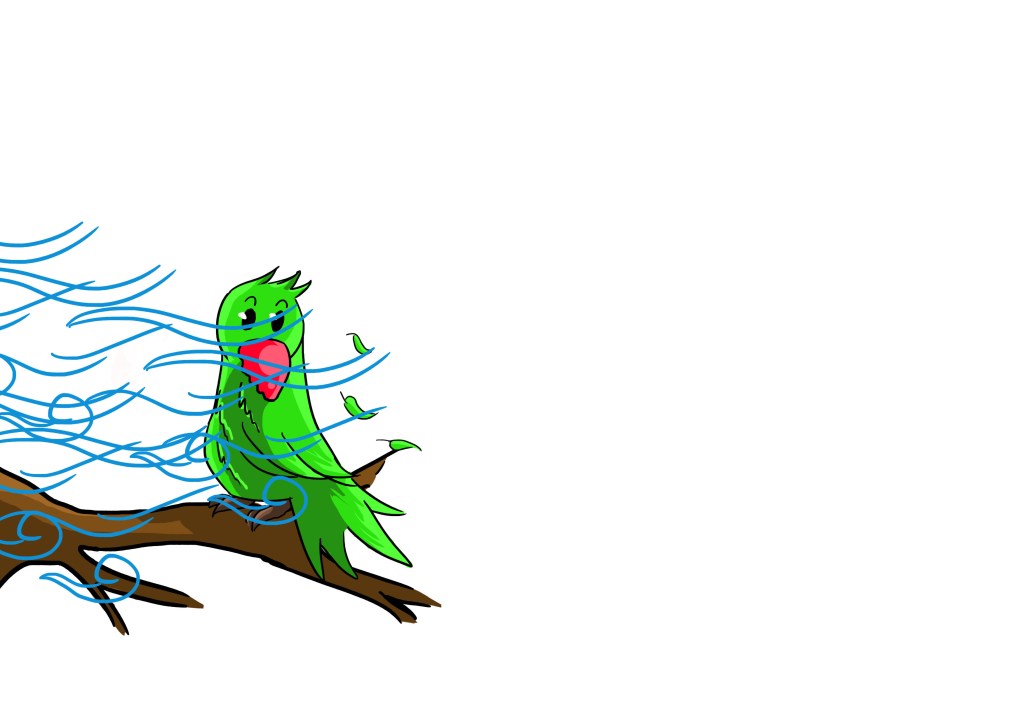
As we wanted the animations to be shown on a green screen behind our interviewees I went back to all my frames, changing all my backgrounds to being transparent. Since we had problems with the animations being MP4 files I had to individually save every frame as a PSD file. I had many problems with this mainly because my laptop loves to crash and blue screen of death on me , this resulting to some of my saved files becoming corrupted. Though I managed to get through them all I then took my group of frames onto Premiere Pro to re-start my animations. I originally started to import them all as an image sequence but doing so made some of my animations too fast for what I actually wanted. As I was still new to Premiere Pro I then individually imported each frame and cut them manually to certain lengths of time. After all of this was done I uploaded everything I had done onto our groups shared drive, so that they could have access to anything that they may need in the future.
I found that this project helped me understand a little more on the different animation styles and techniques available, giving me the opportunity to further expand my horizons on how I would approach the subject matter although I know I still have a lot to learn in the future. I’m also very grateful to have such a fantastic, talented group of people to work with whom I am able to share these experiences with.
And for know I bid you adieu fellow readers as I am off to lose as much sleep as possible through the holidays, trying to finish off the rest of my projects. See ya!~

 London's Parrots: Imagining an Urban Legend