Hey, it’s me, Reeve, and I’m back again with a long, wordy, and poorly written progress update on work done since the start of the Christmas holiday. To recap, just before we broke up, I started afresh and booked out a Wacom Graphics Tablet for use over the break.
But first, I’m gonna briefly go over how I draw these images. I’ve been using the Graphics Tablet with Photoshop. It took a while getting used to drawing with a graphics tablet as it was my first time using one, and I was learning how the thing worked as I was using it, but thankfully, it isn’t difficult to use, it’s just quite different than a pen and paper. With Photoshop, you can make use of the built-in Timeline “tool” to create a frame animation. Through that, you can draw imagery on different layers of an image and adjust which layer is seen on which ever frame that you wish. For each frame, I typically start by drawing a (potentially rough) line drawing of whatever the subject may be, and then I create a layer below that one where I then colour the drawing in. I merge the two layers when I’m satisfied. When drawing the next frame of an animation, I create a new layer to draw on, and I make the layer used for the previous frame semi-visible, so that I can reference the previous frame when drawing the new one. When it comes to aspect ratio / resolution, the main video is going to be 16:9, ot 1980×1080. I do my animations in the resolution of 1980×1500, just so I have a bit of free space to animate in.
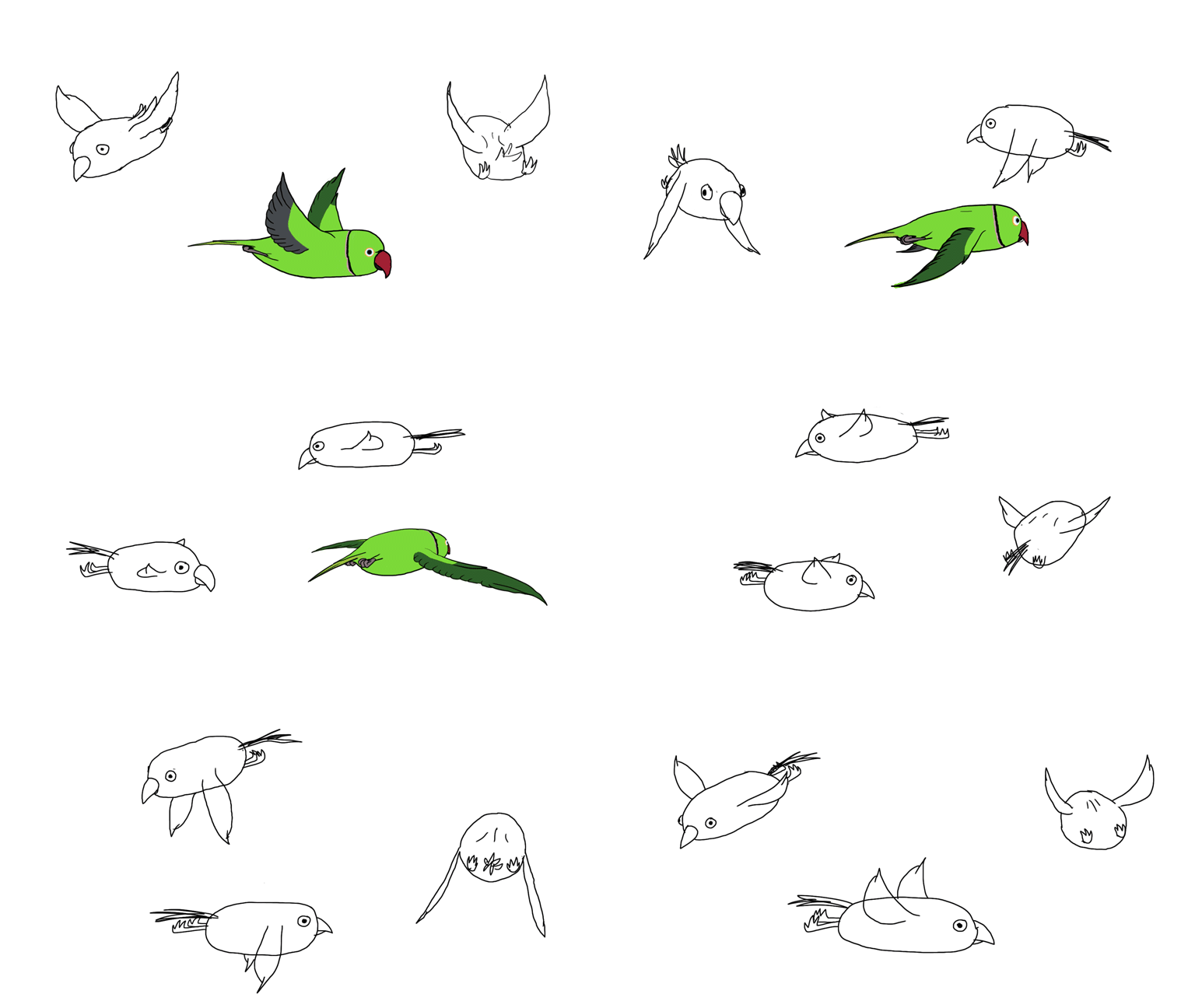
I started off with a digitally-done recreation of the “birds flying in a circle”-thing that I tried to do the previous week with Dragonframe. I planned to drastically change the art style to a much simpler look, have less birds, and I made sure to not make the same mistake of not planning out the animation. This time, I kinda succeeded? To begin, I initially started off by doing a quick test design for how I wanted the bird, namely, a rose-ringed parakeet, to look. I tried to simplify its shape, and the range of colours they have, and I ended up with a fairly decent design. Afterwards, I hid the “finalised” design, and instead continued with the animation, using an even more simplified design that didn’t resemble any bird in particular to finish off the test version of the animation. The test animation took roughly 4 hours to complete, which wasn’t the best sign considering I was using a heavily simplified design for the 3 birds, and I was going to reanimate each of the birds with the initial detailed design, but that would be a problem for future me.
Our group briefly met up on the following Monday to discuss our plans over the holidays, as well as showing our progress. I showed the test animation to the rest of the group, and we practised how we would incorporate our animations with transparent layers. We learned that if we saved each frame of a Photoshop animation as its individual numbered .psd, and then imported all of the frames (beginning with the first) as an “Image Sequence”, Photoshop could import all of the frames as a video while still retaining all of the uses (and specifically, the transparency layers) of a .psd. My test animation, despite being obviously unfinished and looking tad bit janky, looked rather cool when you could see the birds flying around in the same space as Stephen with no huge blocks of pure whiteness around them as there would be if we imported the animations as .mp4’s. After our meeting, I continued working on the animation, redrawing and colouring the birds with my finalised designs. The downside, however, was that this takes a very long time, or at least it does for me, as I’m not a fast illustrator at all. I eventually ended up starting different animations instead, and I’ll leave this one for a later date. My work so far is below:
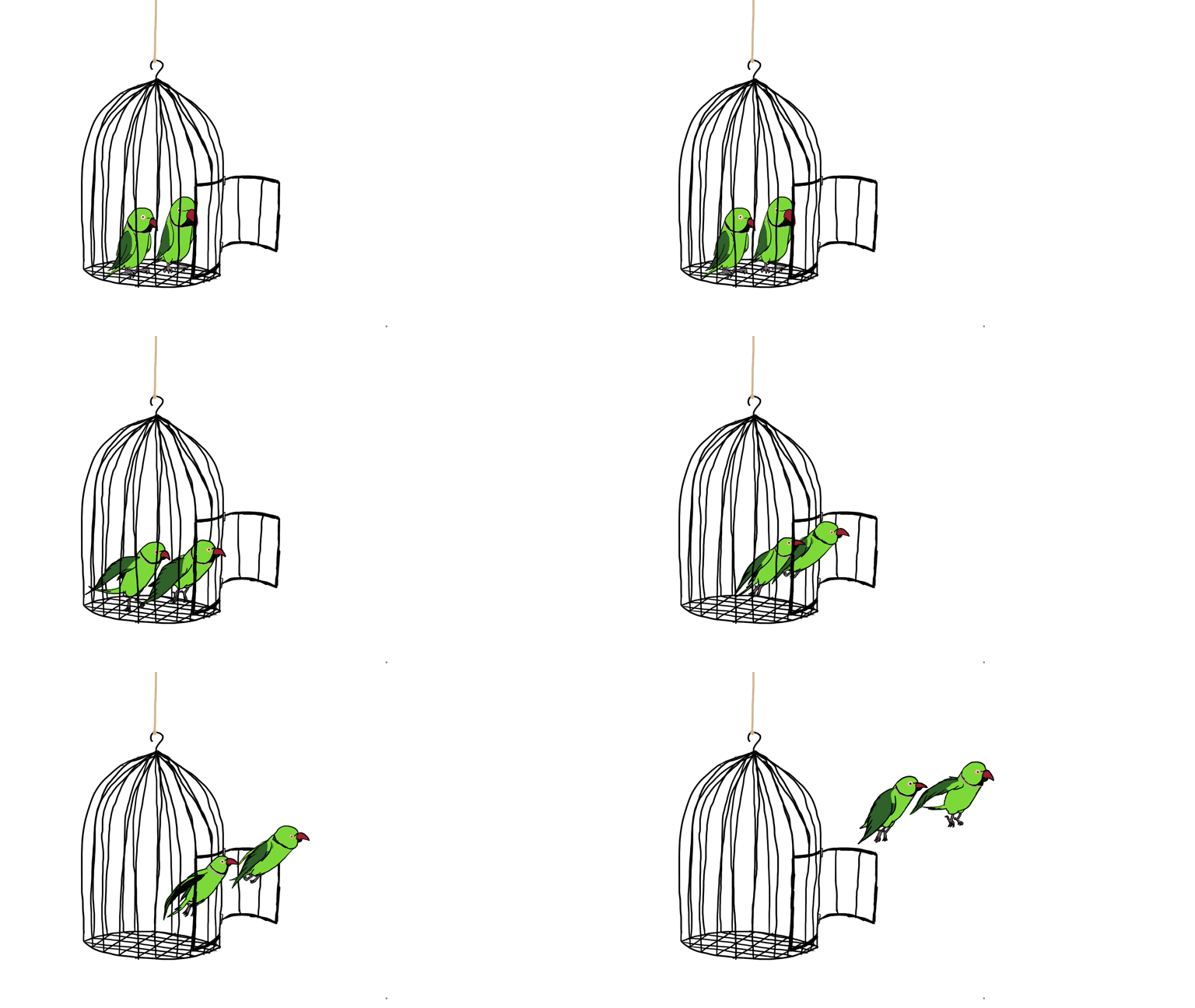
Next, I did an animation depicting two birds flying out of an open cage based on some of Stephen’s statements. This animation took a shorter amount of time, as I was only had to do two birds, both of which are small, and I also didn’t have to worry about doing a looping animation. On the other band, it seems to me that I both downgraded the quality and flow and the movements compared to the previous animation (for the sake of time saving), but they were still quite detailed that the process of animation was rather long. I also ended up underestimating the length of my animation, as by the time I considered myself “done” with it, the animation ended up finishing a bit abruptly, with the birds also not having “travelled” as far as intended. I may end up adding more frames to the end of the animation eventually, but the animation as is is below:
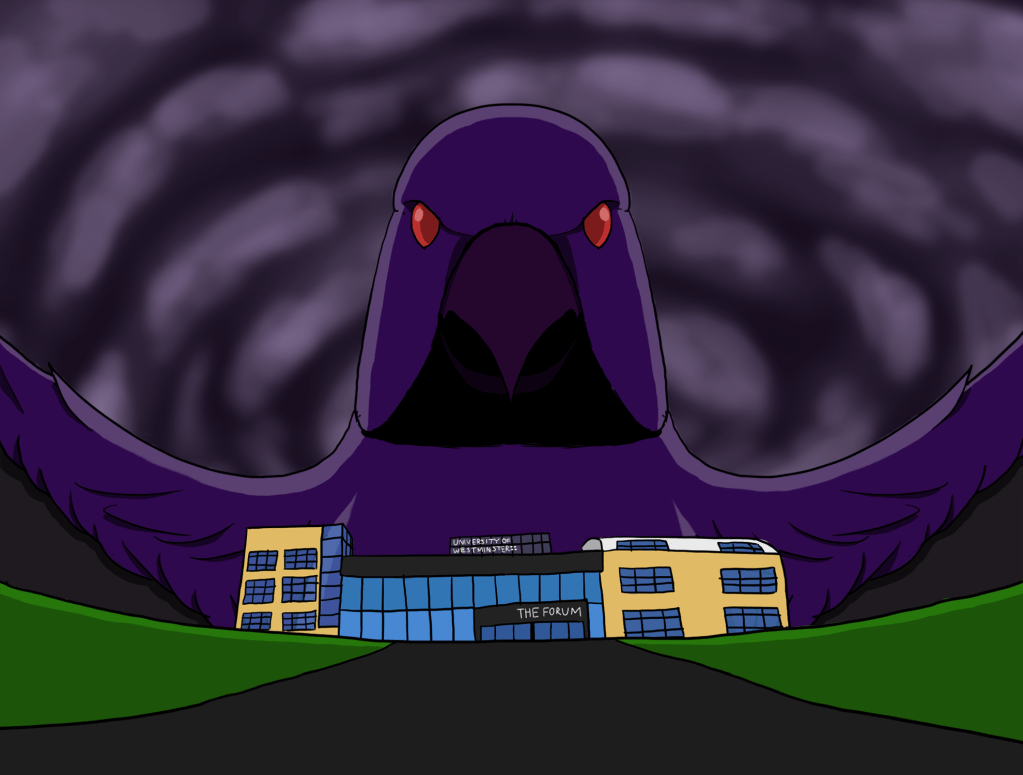
Afterwards, I planned to an animation based on Stephen’s comment that the birds came to Harrow to fly over us and laugh at us. I had the idea to draw a large, dark, and threatening bird looming over both the Uni and Stephen, laughing menacingly. Drawing the bird and our Uni was easy enough, but animating laughter with a bird beak was not easy at all for me, to the extent that I just gave up and left it as a still image. At least that if it’s a .psd, we can play with the different layers of the image, maybe making them fade in one at a time, or adjusting sizes layer by layer, or something. The image I drew is below:
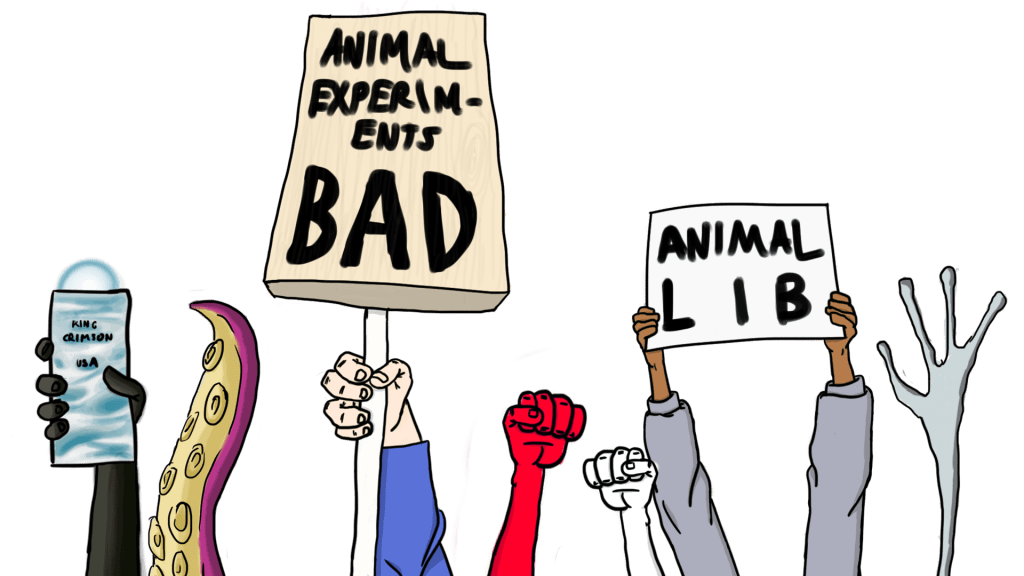
Next, I wanted to work a brief animation depicting an animal liberation group, as well as an infiltration and hostage rescue scene from some random animal testing laboratory. I was going to do a very brief, 1/2 frame animation depicting a protest of sorts, with signs and fists held aloft, and so on. For some reason, I began to dislike the work I’d done on this scene, and I’d begun to just take the piss with it, and I just ended up drawing random crap. I’ll definitely need to redo this one at some point, but here it is as it is at the moment:
After that, I went to work on the latter part of the animation, and I decided to do it in a slightly different art style, somewhat akin to Samurai Jack or Powerpuff Girls or something along those lines. Not sure what brought me to do that, but I did it. I drew everything, from the scenery to shapes and to the birds themselves, in a simpler and “flatter” artstyle. I made much use of the polygonal line tool for straight, clean, and even lines, and for the birds, I used the circular line tool for an oval-like shape, and then made some slight alterations to shape. The most complicated parts of this one involved the lighting behind the opening door, and the shadows of the bars within the cell. I needed to play around with softer and semi-transparent brushes and colours, and drew over the shapes repeatedly to create the translucent and soft shadows. I also made use of semi-transparent “shadow layers” (a.k.a. a semi-transparent all black layer) above everything else that had parts partially erased to only have select areas bathed in shadow, such as the corners and edges of the screen in the bird portion. This animation (or the two short animations glued together) was probably the one I had the most fun making so far.
Well, that’s it for now. Stay tuned for more updates, I guess.

 London's Parrots: Imagining an Urban Legend